Smart TV Buying Guide: How to Choose the Right TV for Your Home
A smart TV is no longer just a screen. It is the command center for movies, sports, gaming, streaming, music, fitness, video calls, and the atmosphere of an entire room. The right TV can turn a quiet evening into a cinema experience, make game day feel bigger, and transform a simple living room into a polished entertainment space. The wrong TV, however, can feel frustrating from day one: too dim for your room, too small for your seating distance, too slow for your apps, or missing the ports you need for your console, soundbar, and streaming devices. That is why choosing a smart TV should start with your home, not the showroom. Bigger specs do not always mean a better experience. A dazzling TV under store lighting may not be the best fit for a bright family room, a compact apartment, a gaming setup, or a cozy bedroom. The smartest purchase is the one that matches your room size, viewing habits, lighting conditions, audio needs, and long-term technology plans. Modern TV buying also comes with a lot of language: OLED, QLED, Mini LED, HDR, refresh rate, HDMI 2.1, eARC, local dimming, input lag, smart platforms, voice assistants, and AI picture processing. These terms matter, but only when you connect them to how you actually watch. HDMI 2.1, for example, is especially important for gamers who want features like 4K at 120 frames per second, while eARC is valuable when sending high-quality audio from the TV to a soundbar or receiver.
A: Choose based on seating distance, room layout, and viewing habits. Many living rooms work well with 55 to 75 inches.
A: OLED usually wins for black levels and cinematic contrast, while QLED and Mini LED can be better for bright rooms.
A: For most buyers, a high-quality 4K TV is a better value because native 8K content is still limited.
A: Yes if you want the best support for modern gaming features like 4K 120Hz and VRR.
A: eARC sends higher-quality audio from your TV to a compatible soundbar or receiver using HDMI.
A: Not always, but a separate streaming device can improve app speed, updates, and platform choice.
A: Thin built-in speakers, poor sound modes, room acoustics, and compressed audio can all reduce dialogue clarity.
A: Look for strong brightness, good motion handling, a 120Hz panel, and solid screen uniformity.
A: Prioritize low input lag, 4K 120Hz, HDMI 2.1, VRR, ALLM, and good HDR performance.
A: Wall mounting can look cleaner and save space, but height, viewing angle, cable access, and stud placement matter.
Start With Screen Size
Screen size is the first decision most shoppers make, and it is also one of the easiest places to make a mistake. Many buyers underestimate how large a TV should be because older TVs were smaller, heavier, and often placed inside furniture. Today’s thin, wall-mounted screens can feel natural at much larger sizes, especially for 4K content. For a living room, 55 inches is often the modern entry point, while 65 inches has become a popular sweet spot for everyday home entertainment. A 75-inch or larger TV can feel spectacular in a larger room, open-concept space, finished basement, or dedicated media area. Bedrooms and small apartments may still work beautifully with 43- to 50-inch models, especially when seating is close.
The key is viewing distance. If you sit far from the screen, a smaller TV can make details disappear. If you sit very close to a large screen, lower-quality content may look rougher, and fast motion may feel overwhelming. Because 4K resolution is now standard across many smart TVs, you can sit closer than you could with older HD sets and still enjoy a crisp picture. Think about what you watch most. Movie lovers often appreciate a larger screen because cinematic framing, subtitles, and shadow detail become more immersive. Sports fans benefit from a size that makes players, scoreboards, and field movement easy to follow. Gamers may prefer a screen large enough to feel exciting but not so large that the edges fall outside comfortable view during fast action.
Understand Display Technology
Display technology determines how a TV creates light, color, black levels, and contrast. This is where the biggest performance differences appear. OLED TVs are known for excellent contrast because each pixel can turn on or off independently. That means deep blacks, precise highlights, and a rich cinematic look in darker rooms. OLED is especially strong for movies, premium streaming series, and gaming because the image can feel smooth, crisp, and dimensional. The main tradeoff is brightness. Many OLED models look stunning in controlled lighting, but bright rooms with sunlight may call for a brighter display type.
QLED TVs use quantum dot technology to enhance color and brightness. Many QLED models are built on LED backlighting, which can make them strong choices for bright family rooms, sports viewing, and everyday use. Their performance varies widely depending on the quality of the backlight system, local dimming, processor, and panel. Mini LED TVs use many small backlight zones to improve brightness and contrast. A good Mini LED TV can deliver high brightness for daytime viewing while also controlling dark scenes more effectively than basic LED TVs. This makes Mini LED a strong all-around choice for households that watch a mix of sports, movies, gaming, and streaming in rooms with changing light.
Traditional LED TVs remain common in budget and midrange categories. They can be excellent for casual viewing, bedrooms, kids’ rooms, and secondary spaces, but picture quality depends heavily on the specific model. Some budget TVs look great for the price, while others cut corners on brightness, motion, viewing angle, or app performance. In 2026, TV categories continue to evolve, with OLED, QLED, Mini LED, Micro RGB, and advanced LED models competing across price levels. Independent testing and current buying guides frequently group today’s major TV options around these display families because each has distinct strengths for brightness, contrast, color, and price.
Match the TV to Your Room Lighting
Your room matters as much as the TV itself. A gorgeous screen can underperform if it is placed opposite a sunny window or under harsh overhead lights. Before buying, notice when and where you watch. Do you mostly watch at night? Is your room filled with daylight? Are there lamps reflected in the screen? Is the TV visible from side seating? For bright rooms, look for higher brightness, strong reflection handling, and a screen finish that can fight glare. Mini LED and brighter QLED models often perform well in these spaces. For darker rooms, OLED can deliver a more cinematic experience because black levels and contrast become more noticeable when the lights are low.
Viewing angle is another room-based factor. If most people sit directly in front of the TV, nearly any good panel can work. If your seating wraps around the room, or if the TV is in an open space where people watch from the kitchen or side chairs, choose a TV known for wider viewing angles. Some panels lose contrast and color accuracy when viewed from the side. Mounting height also changes the experience. A TV mounted too high can cause neck strain and make the room feel less natural. Ideally, the center of the screen should sit close to eye level when seated, though fireplaces and furniture layouts often complicate that. When mounting above a fireplace, consider a mount that can lower or tilt the TV for more comfortable viewing.
Choose 4K First, Think Carefully About 8K
For most buyers, 4K is the right resolution. It is widely supported by streaming services, gaming consoles, Blu-ray players, and modern cameras. A quality 4K TV can look excellent with movies, sports, games, and everyday streaming. 8K TVs offer more pixels, but 8K content remains limited for most households. An 8K TV may upscale 4K and HD content, but the value depends on screen size, processor quality, seating distance, and price. For many buyers, a higher-quality 4K TV is a smarter purchase than an entry-level 8K TV. Spend on better contrast, brightness, motion, and sound support before paying extra for resolution you may rarely see. That does not mean 8K is pointless. Large luxury screens, future-ready media rooms, and early adopters may find it appealing. But for mainstream smart TV buying, 4K remains the practical standard.
HDR Makes Brightness and Contrast Matter
HDR, or High Dynamic Range, helps a TV show brighter highlights, richer colors, and more detail in dark and bright parts of the image. It is one of the most important picture-quality features, but it only shines when the TV has enough brightness, contrast, and processing power to display HDR well.
Common HDR formats include HDR10, HDR10+, Dolby Vision, and HLG. Dolby Vision and HDR10+ can use dynamic metadata, meaning picture information can adjust scene by scene or frame by frame when supported. HDR10 is widely available and forms a baseline for many HDR sources. When comparing TVs, do not simply ask whether a model “has HDR.” Many budget TVs support HDR signals but lack the brightness and local dimming needed to make HDR look dramatic. A great HDR TV should make sunlight, reflections, fire, stars, city lights, and bright skies look vivid without washing out the rest of the scene.
Pay Attention to Motion and Refresh Rate
Motion matters for sports, action movies, gaming, and fast camera movement. Refresh rate describes how many times per second a TV can refresh the image. Many entry-level TVs use 60Hz panels, while higher-performance models often use 120Hz panels. A 120Hz TV can be especially useful for gaming and smoother motion handling. It can also help with certain film and video sources when combined with good processing. However, motion features can be confusing because brands often advertise inflated motion numbers that are not the same as native panel refresh rate. Look for the true native refresh rate when comparing models. Sports fans should pay close attention to motion blur, screen uniformity, and brightness. A TV that looks great with slow drama scenes may not look as clean during hockey, soccer, football, racing, or basketball. If sports are a major part of your entertainment routine, prioritize motion handling and a bright screen over purely cinematic black levels.
Smart TV Platforms Matter More Than You Think
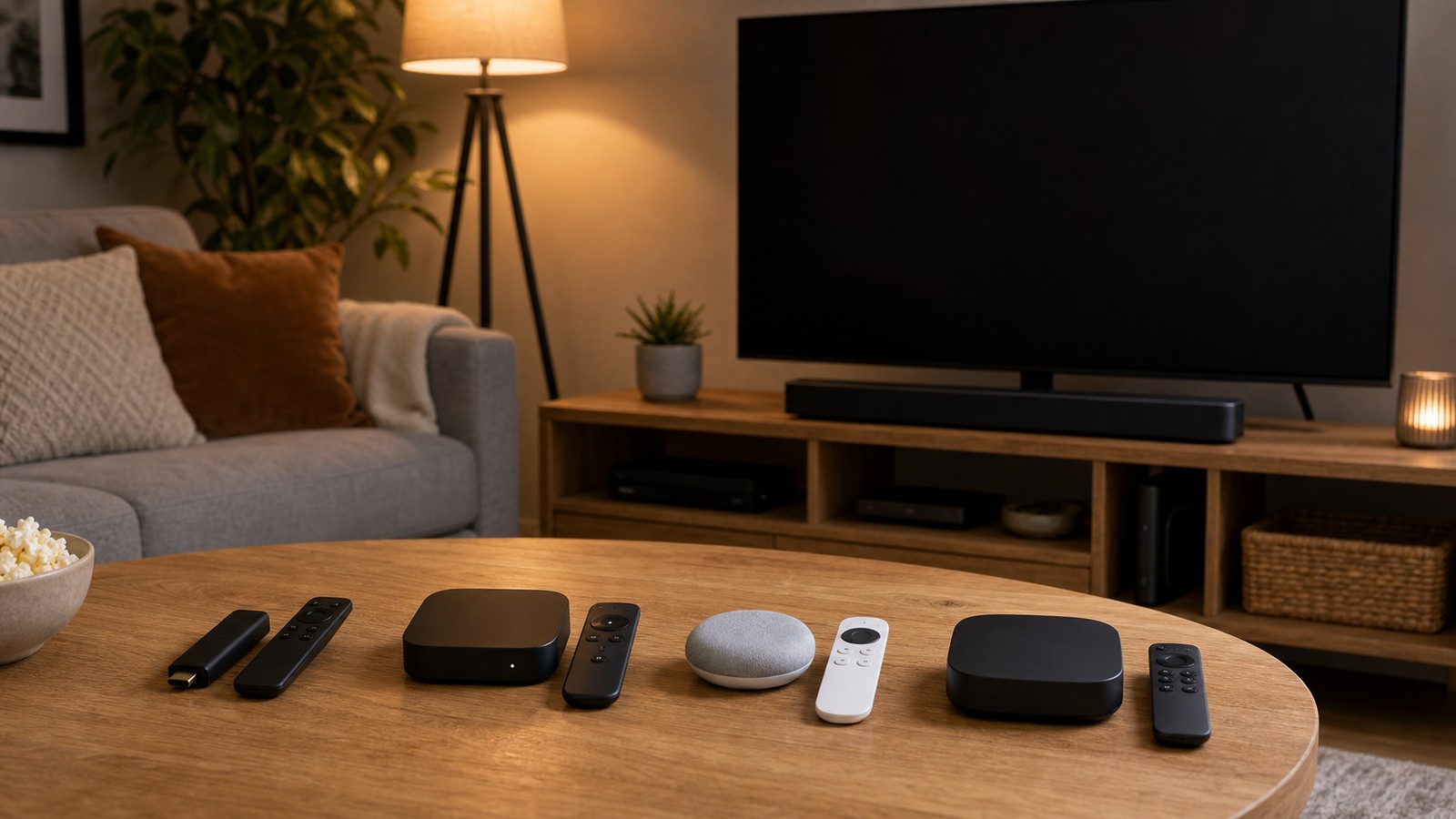
A smart TV platform controls the apps, menus, recommendations, voice features, updates, and daily usability. Even a beautiful picture can feel annoying if the interface is slow, cluttered, or missing the services you use most. Popular platforms include Roku TV, Google TV, Fire TV, Apple TV through external hardware, Samsung’s Tizen, and LG’s webOS. Each has a different style. Some focus on simplicity. Some focus on recommendations. Some integrate deeply with smart home systems. Some offer more customization or stronger voice assistant support.
Before buying, check whether the TV supports your must-have apps. Think beyond Netflix and YouTube. Consider live TV services, sports apps, fitness apps, music platforms, cloud gaming services, local media apps, and niche streaming channels. Also consider how many people in your household will use the TV. A clean interface with separate profiles can make a shared TV feel much easier. External streaming devices can solve many smart platform issues. A great panel with a mediocre built-in interface may still be worth buying if you plan to use a dedicated streaming box or stick. However, if you want an all-in-one setup, the built-in smart platform should be fast, reliable, and comfortable.
Ports Can Make or Break the Setup
Ports are easy to ignore until you run out of them. Count your devices before buying: game console, soundbar, Blu-ray player, cable box, streaming device, media server, laptop, camera, or receiver. Then check how many HDMI ports the TV includes and what each port supports. HDMI 2.1 is especially important for modern gaming consoles and high-performance setups because it can support features like 4K at 120Hz, Variable Refresh Rate, Auto Low Latency Mode, and higher bandwidth depending on the implementation. HDMI 2.1 specifications and real-world support vary by TV, so serious gamers should confirm exactly which ports support the features they need.
eARC is also valuable if you plan to use a soundbar or AV receiver. It allows the TV to send higher-quality audio back to compatible audio equipment through HDMI. This helps simplify wiring and supports better audio formats than older ARC connections in many setups.
A practical tip: do not assume every HDMI port on a TV is equal. Some TVs have only one or two full-featured HDMI 2.1 ports. If one of those also handles eARC, you may have fewer high-performance ports available for consoles or PCs than you expected.
Do Not Forget Sound
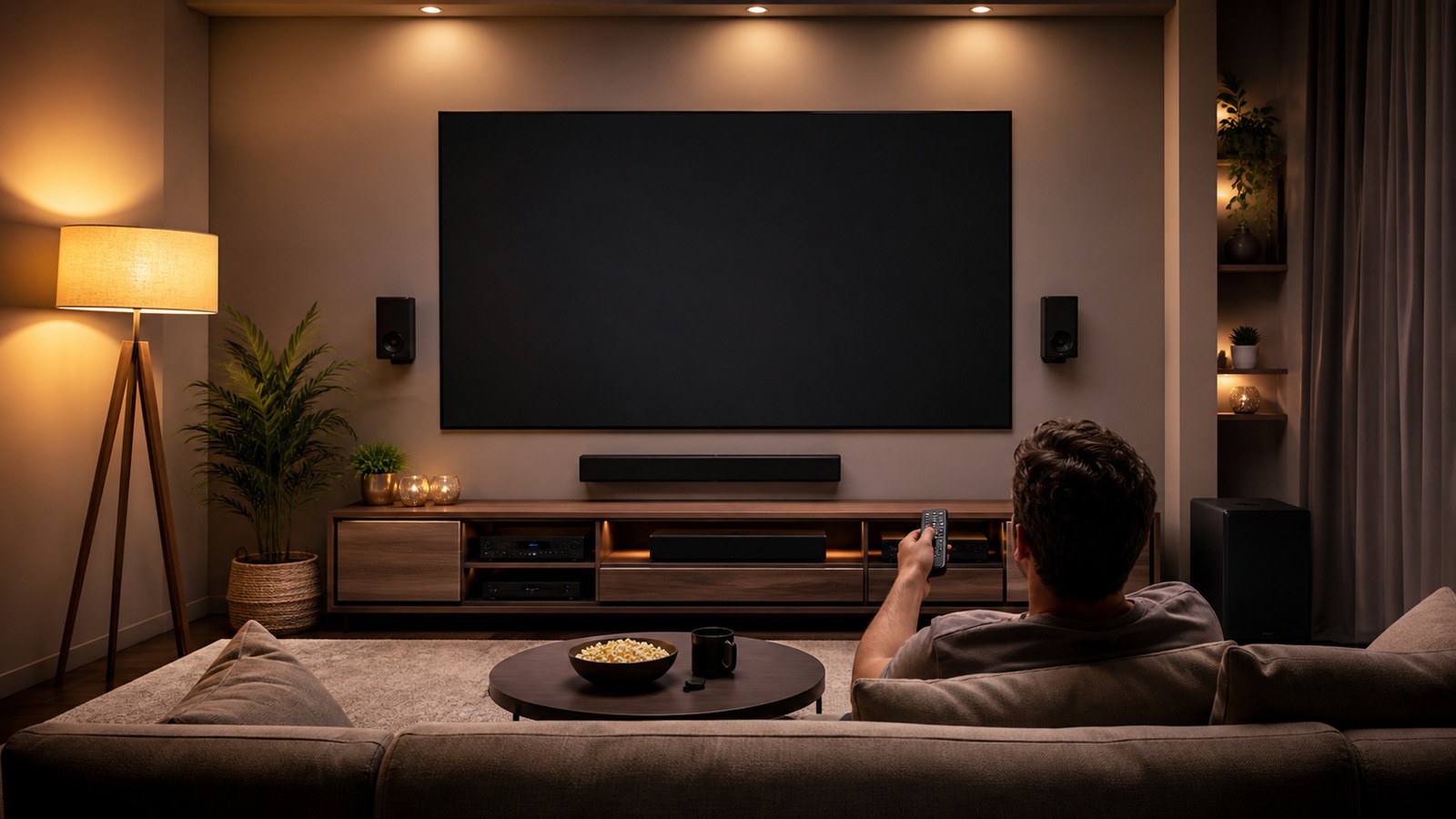
TVs are thinner than ever, which is great for style but challenging for audio. Small built-in speakers can sound flat, thin, or unclear, especially with movie dialogue. If you care about immersive entertainment, plan for audio from the beginning. A soundbar is the easiest upgrade. Even a basic soundbar can improve dialogue, volume, and bass. A soundbar with a wireless subwoofer adds impact for movies, games, and music. Higher-end soundbars may include upward-firing drivers for Dolby Atmos effects, rear speakers for surround sound, or room calibration to tune performance.
A traditional surround sound system with an AV receiver and separate speakers can still deliver the most flexible and powerful experience. It is ideal for dedicated theater rooms, large spaces, and buyers who want true speaker placement around the room. The tradeoff is complexity, wiring, and cost. If you are buying a TV and soundbar together, check compatibility. Make sure the TV has eARC or ARC, enough HDMI ports, and the audio format support you care about. Also measure your furniture. A tall soundbar can block the bottom of the screen if the TV sits low on a stand.
Gaming Features Are Now Essential
Even if you are not a hardcore gamer, gaming features can matter if your household uses a PlayStation, Xbox, Nintendo console, gaming PC, or cloud gaming app. A great gaming TV should have low input lag, fast response time, solid motion handling, and the right HDMI features.
Look for 4K 120Hz support if you use modern consoles. Variable Refresh Rate can help reduce tearing and make gameplay feel smoother. Auto Low Latency Mode can automatically switch the TV into game mode when a console is detected. Some TVs also include gaming dashboards that show frame rate, VRR status, and quick settings.
For competitive gaming, input lag matters more than flashy picture modes. For cinematic single-player games, HDR performance and contrast may matter more. For family gaming, a responsive interface, durable stand, and easy input switching can be just as important.
Energy Use and Long-Term Cost
A smart TV is not the biggest energy user in most homes, but large bright screens can still add to your electric bill, especially if they run for hours each day. Screen size, brightness, display type, and settings all affect energy use. ENERGY STAR says certified televisions are, on average, about 34% more energy efficient than conventional models and save energy across sleep, idle, and active use modes. The U.S. Department of Energy also points buyers toward tools such as appliance energy calculators and rebate finders to estimate operating cost and potential savings.
When comparing models, look at the EnergyGuide label, expected yearly energy cost, and power-saving settings. Some TVs ship in vivid store-like modes that are brighter than necessary for home viewing. A more accurate picture mode can often look better and use less energy.
Budget Wisely
Smart TV prices vary dramatically. A budget TV can be a great choice for casual viewing, bedrooms, kids’ rooms, or secondary spaces. A midrange TV often delivers the best value for most homes, balancing picture quality, smart features, screen size, and ports. Premium TVs are worth considering for movie lovers, sports fans, serious gamers, and anyone building a primary entertainment space.
A smart way to budget is to divide your spending into the full setup, not just the screen. You may need a wall mount, soundbar, HDMI cables, surge protector, streaming device, media console, cable management kit, or professional installation. A slightly less expensive TV with a better soundbar and cleaner setup may deliver a better daily experience than spending everything on the panel.
Also consider timing. TV prices often shift around major shopping seasons, new model launches, and sports events. Last year’s higher-end model can sometimes outperform this year’s lower-tier model at a similar price.
The Best Smart TV Is the One That Fits Your Life
Choosing the right smart TV is not about chasing every buzzword. It is about understanding your room, your content, your devices, and your expectations. A bright Mini LED may be perfect for a sunny family room. An OLED may be ideal for a movie-focused living room with controlled lighting. A budget 4K smart TV may be exactly right for a guest room. A premium gaming TV may be the centerpiece of a next-generation console setup. Before you buy, ask five simple questions: How far away will I sit? How bright is the room? What do I watch most? What devices will I connect? Do I need better sound? Those answers will narrow the field quickly.
A smart TV should disappear into your routine and elevate everything you watch. When the size feels right, the picture suits the room, the apps load smoothly, the sound is clear, and the cables are under control, the technology fades into the background. What remains is the fun part: movie nights, championship games, streaming marathons, family shows, music, and the feeling that your home entertainment setup finally works the way it should.