What Is a Smart Home System and How Does It Work?
A smart home system is a connected group of devices that can be monitored, controlled, and automated through apps, voice assistants, hubs, sensors, and routines. It can include lights, thermostats, locks, cameras, plugs, speakers, appliances, blinds, leak sensors, and security devices. The goal is not to make a home complicated. The goal is to make useful actions easier, safer, more efficient, and more reliable.
A: It is a connected group of devices that can be controlled and automated through apps, hubs, or voice assistants.
A: Devices communicate through wireless connections and respond to commands, schedules, sensors, or routines.
A: Not always; many beginner devices work directly over Wi-Fi, though hubs can improve coordination.
A: No, many smart devices are designed to fit existing homes, apartments, and rentals.
A: No, most systems can be managed through mobile apps, schedules, and automation without voice.
A: Smart lighting or smart plugs are often the simplest and most noticeable starting points.
A: Yes, especially through smarter scheduling, lighting control, and thermostat management.
A: They can be, especially when users enable strong passwords, updates, and good privacy settings.
A: Often yes, but compatibility depends on the ecosystem and communication standards involved.
A: Reliable automation, clear routines, and devices chosen to solve real everyday needs.
Devices Are the Visible Layer
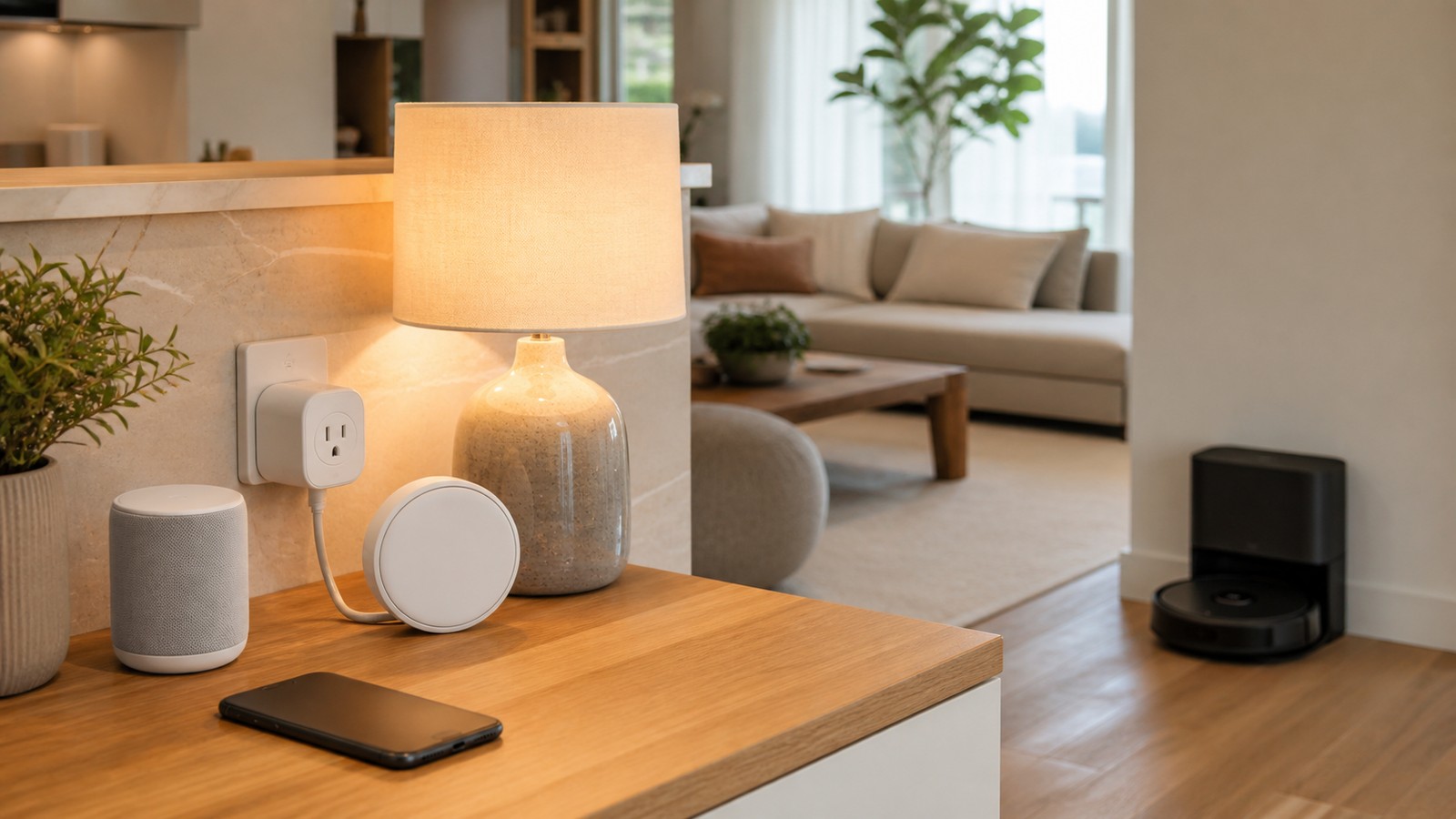
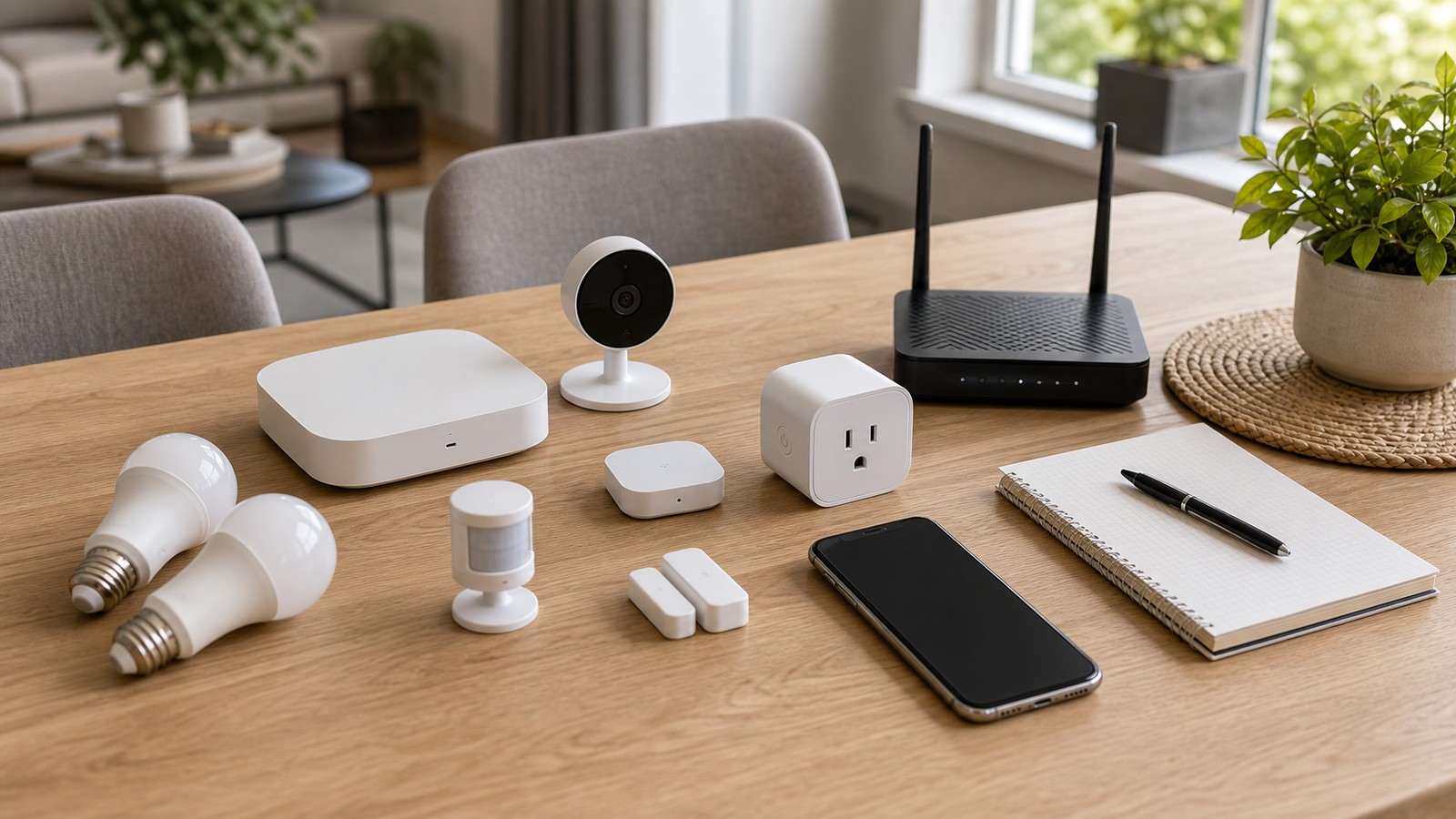
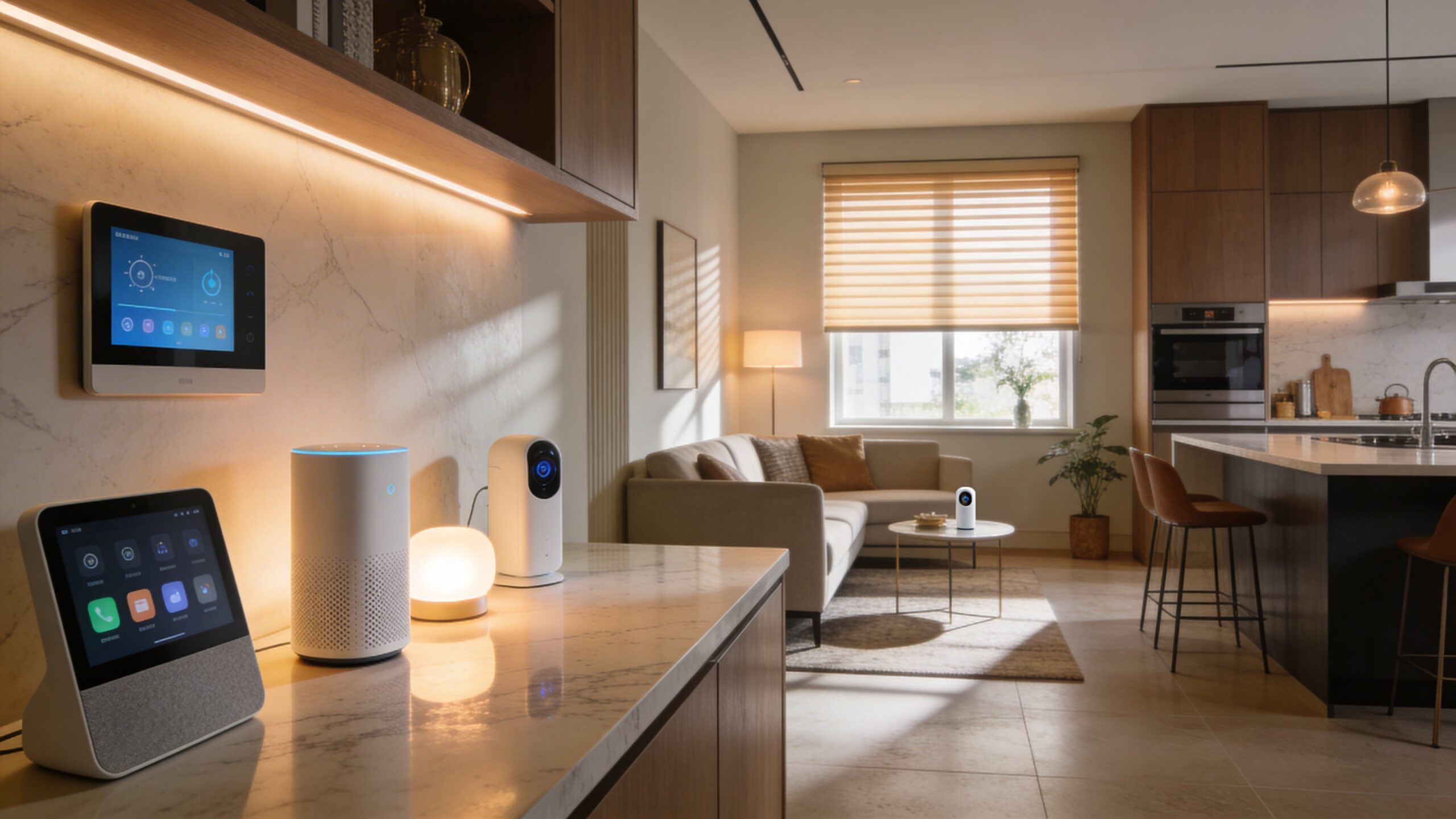
Smart bulbs, plugs, thermostats, locks, cameras, and speakers are the parts users see and touch. Each device should solve a real problem rather than simply add another app.
Apps Provide Control
Smart home apps let users group rooms, name devices, adjust settings, create routines, and invite household members. A confusing app can make a good device feel frustrating.
Voice Assistants Add Convenience
Alexa, Google Assistant, and Siri can control lights, scenes, music, timers, and routines by voice. Voice is helpful, but manual controls should still exist for guests and family members.
Sensors Trigger Automations
Motion, contact, temperature, humidity, light, water, and presence sensors help the home react to conditions. Good automations depend on reliable triggers and clear rules.
Hubs and Standards Improve Compatibility
Some systems use hubs or standards such as Matter, Thread, Zigbee, or Z-Wave to connect devices. Compatibility planning prevents a smart home from becoming a collection of isolated gadgets.
Automation Is the Real Value
Automations can turn on lights at sunset, lower temperature when the house is empty, or send an alert when water is detected. The best automations are simple, predictable, and easy to override.
Security Needs Attention
Smart homes include accounts, cameras, locks, microphones, and networked devices, so security matters. Strong passwords, multi-factor authentication, updates, and careful sharing settings are essential.
Privacy Should Be Reviewed
Household devices can reveal routines, voices, video, and location patterns. Users should review recordings, cloud storage, permissions, and whether devices collect more data than needed.
Reliability Beats Flash
A smart home should still work when the internet is slow or a voice assistant misunderstands. Physical switches, local controls, and clear fallback options keep the home usable.
Start Small and Expand
The easiest path is to begin with a few useful routines, then expand room by room. A smart home should grow as needs become clear, not all at once.
What to Check Before You Commit
Before relying on a smart home system connects devices, sensors, apps, voice assistants, and automations into one household control layer, check the practical requirements: hardware, software, accounts, subscriptions, setup time, security settings, and the level of technical comfort required. A tool that looks simple in a demo can feel very different when it has to fit a real home, office, school, or small business.
The best decision comes from matching the technology to the user rather than forcing the user to adapt to the technology. Think about who will maintain it, who will troubleshoot it, and whether the benefit is still clear after the excitement fades.
Compatibility Can Decide the Experience
Technology rarely operates alone. Devices, apps, operating systems, browsers, accessories, accounts, file formats, and networks all have to work together. Compatibility problems are one of the fastest ways for a good idea to become frustrating. A careful buyer or user should check platform support, update policies, export options, and whether the tool works with what they already own. The smoother the fit, the more likely the technology becomes useful instead of becoming another isolated gadget or app.
Security Should Be Built In Early
Every connected technology brings some security responsibility. Strong passwords, multi-factor authentication, software updates, trusted downloads, careful permissions, and backup plans matter even for tools that seem ordinary. Security is easier when it is part of the setup from the beginning. Waiting until something goes wrong can make recovery harder, especially when accounts, personal files, financial information, or work data are involved.
Privacy Deserves a Plain-Language Review
Many modern tools collect data about behavior, location, usage, voice, images, files, or user choices. That data can improve features, but it can also create exposure if settings are unclear or policies change. A practical privacy review asks what is collected, where it is stored, who can access it, whether it can be deleted, and whether the tool still works if optional tracking is turned off. People should not have to trade unnecessary information for basic convenience.
Cost Is More Than the Purchase Price
The sticker price rarely tells the whole story. Subscriptions, accessories, cloud storage, replacement parts, electricity, repairs, warranties, training time, and switching costs can all change the real value. A smart technology decision includes the first year of ownership and the likely cost after that. If a product becomes expensive only after the user is locked in, the initial bargain may not be a bargain at all.
Maintenance Keeps Technology Useful
Good technology still needs care. Updates must be installed, files need organization, batteries wear down, settings drift, accounts change, and hardware eventually ages. Maintenance does not have to be complicated, but it should be expected. A simple routine of updates, backups, password review, cleaning, and occasional performance checks can extend the useful life of almost any technology.
Accessibility Makes Better Products
Accessible technology helps more people use the same tool comfortably. Good contrast, readable text, keyboard support, captions, voice control, adjustable notifications, and clear error messages are not niche features. They also improve the experience for everyone. A product that is easier to see, hear, understand, repair, and control is usually a better product, even for users who do not think of themselves as needing accessibility support.
When to Upgrade and When to Wait
New technology creates pressure to upgrade, but the best time to buy is not always the launch window. Early products can be expensive, buggy, limited, or dependent on standards that are still settling. Waiting can bring better prices, stronger reviews, software updates, and clearer compatibility. Upgrade when the new tool solves a real problem, not only because it feels newer than what already works.
The Human Factor Still Matters
The success of a smart home system connects devices, sensors, apps, voice assistants, and automations into one household control layer depends on people as much as specs. Training, habits, patience, trust, and clear expectations shape whether a tool becomes part of daily life. A technically powerful system can fail if users do not understand it or do not want it. A simpler system can succeed when it fits the way people already think, work, learn, and communicate.
A Practical Way to Judge the Technology
The easiest way to judge a smart home system connects devices, sensors, apps, voice assistants, and automations into one household control layer is to ask what changes after adoption. Does it save time, reduce risk, improve quality, make information clearer, or open a capability that was not realistic before? If the answer is vague, wait. Strong technology does not need inflated promises. It earns trust by working consistently, explaining its limits, and making life or work measurably easier.
Setup Quality Shapes Long-Term Results
Many technology problems begin during setup. Rushed configuration can lead to weak passwords, messy accounts, confusing names, missing backups, disabled updates, or devices placed where they perform poorly. A careful setup does not need to be slow, but it should be deliberate. Label devices clearly, write down recovery methods, check update settings, and confirm that the most important features work before depending on the system.
Troubleshooting Should Be Part of the Plan
Every technology eventually needs troubleshooting. Apps freeze, networks drop, devices stop syncing, storage fills up, and settings change after updates. The best tools make recovery understandable. Clear error messages, searchable support pages, export options, reset steps, and human support channels can matter as much as headline features when something breaks.
Performance Claims Need Context
Speed, battery life, storage, response time, and reliability often depend on real conditions. A product may perform well in ideal tests but slow down with older hardware, weak networks, large files, or heavy multitasking. When comparing options, look for reviews and examples that resemble your actual use. The right question is not only how fast the tool can be, but how consistently it performs under ordinary pressure.
Ownership and Exit Options Matter
Modern technology often depends on accounts, cloud services, app stores, and subscriptions. That can be convenient, but it can also make users dependent on a provider’s prices, policies, and long-term support. A healthy setup includes exit options. Users should know whether they can export files, move data, switch platforms, keep local copies, or continue using the product if a service changes.
A Good Upgrade Should Reduce Friction
The simplest test is whether the technology removes more friction than it creates. A new system should make a task clearer, faster, safer, more reliable, or more accessible. If it adds more alerts, accounts, cables, chargers, settings, or confusion than the old method, it may not be an upgrade yet. Mature technology earns its place by becoming easier to live with over time.
Documentation Saves Future Time
A few notes can prevent future headaches. Record important account names, warranty details, device models, setup choices, backup locations, and any settings that were changed from the default. Documentation is especially useful when technology is shared by a household or team. If only one person understands the setup, every small problem becomes dependent on that person being available.
The Best Version Feels Useful After the Novelty Fades
New technology often feels exciting during the first week. The better test comes later, when the product is no longer new and the user simply expects it to work. If a smart home system connects devices, sensors, apps, voice assistants, and automations into one household control layer still saves time, reduces stress, improves quality, or makes a task easier after the novelty fades, it is probably serving a real purpose rather than just adding another layer of complexity.
Bottom Line on Smart Home Systems
A smart home system connects devices, apps, sensors, voice assistants, and automations into one control layer. The best systems are reliable, secure, understandable, and useful enough to fade into daily life.
Final Buying Perspective
The safest technology choice is the one that still makes sense after the comparison chart is closed. A product should fit the space, the budget, the user, the maintenance plan, and the software or service ecosystem around it. That practical view keeps the decision grounded. Strong technology does not have to be perfect, but it should make the next few years easier instead of adding avoidable complexity.
What Makes the Choice Hold Up
The best technology choice is the one that continues to feel useful after setup, updates, accessories, and daily habits are included. A strong option should reduce friction, protect important data, and remain understandable when something needs to be changed later. That long-term view matters because technology is not only purchased once. It is used repeatedly, maintained over time, and judged by whether it keeps helping after the first impression fades.
Practical Adoption Check
Before committing to this technology choice, compare the promised benefit with the real adoption work. Setup, training, maintenance, security, support, and user habits all shape whether the idea succeeds after launch. A strong decision should still look sensible after those everyday details are included. That is the difference between technology that sounds impressive and technology that actually improves the way people work or live.